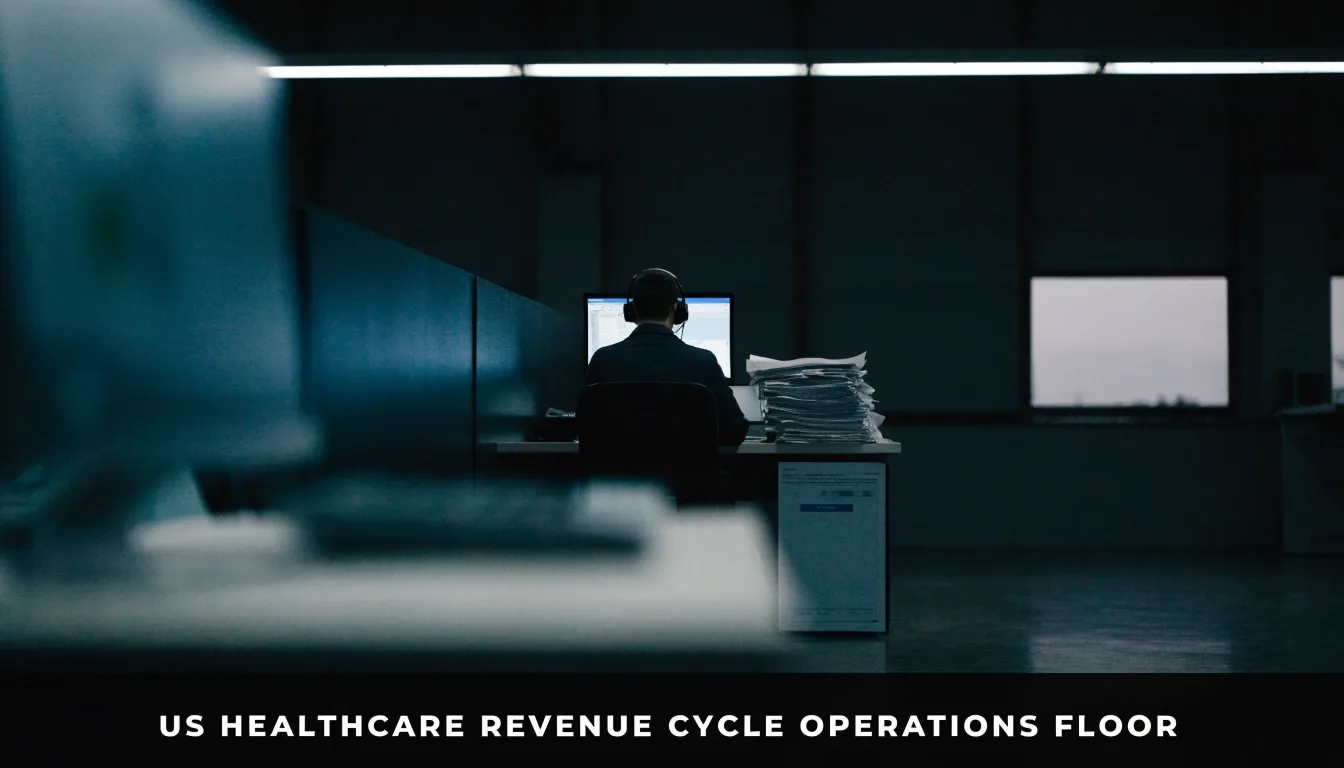
Walk the lane. Claims in, remittance out.
This page answers the questions that come up most often when a revenue-cycle team is working inside a provider portal for payment and remittance activity, and when they're trying to reach a support contact the site calls a zeils agent.
The four questions that reach a zeils agent support queue first
Most portal tickets are not exotic. They cluster into four places: getting in, understanding where a claim sits once you're in, finding the remittance once it arrives, and knowing when the right move is a payer conversation instead of another portal refresh. Each row below is one of those places, with the usual fix.
Getting access without losing a week
Access problems are the most common reason a team can't start. Usually it comes down to who owns the account relationship at your organization, whether the person who originally set it up is still there, and whether your practice management system's admin is willing to authorize a second user.
Name the person who owns the relationship
The portal account belongs to an organization, not to whoever happened to open it. Before you open a ticket, write down the name and the current role of the person who owns that relationship, and confirm they are still employed at the practice.
Get the practice-management admin on board
If a second person needs portal access, the request usually has to be authorized by the admin of your practice management system. Find that person before the ticket, and include their name — it shortens the back-and-forth that eats the first two days.
Plan for the verification steps
If the account was created under someone who has left, expect identity verification before anyone else can take it over. Ask what documents are needed in advance so the reviewer does not come back twice.

The lane is handed over without a portal becoming a second job
Portals are supposed to reduce work, and they usually do for teams that use them as a lookup and monitoring tool. They become a second job when the portal is the only place a document lives and every posting is a manual re-entry.
Reading remittance in the portal is fine for a lookup — not for a daily routine
When remittance is in the Zelis portal and not in your practice management system, you're reading it, not posting it. The pattern worth fixing is the person who logs in every morning to check yesterday's payments and then types the numbers into a spreadsheet. That's a remittance enrollment problem, not a portal problem.
- Enroll for electronic remittance with the payer, so the 835 lands in the system that already holds your data.
- Keep a monthly count of how many payments had to be re-keyed by hand — that number is your enrollment backlog.
- Use the Zelis portal for questions about a specific payment, not as the place where bulk posting happens.
Routing, escalation, and the boundary of support
Three questions come up again and again from revenue-cycle leads who are done clicking and want to know who owns the outcome. The answers below are the operator's notes on how to keep the lane clean.
A claim is stuck in a routing queue — what shows the cause? Q-C
The portal will show you the queue, not the reason. Take the queue name, match it against your payer's edit documentation, and fix the underlying edit or the missing data element rather than re-submitting. Re-submitting a claim that's stuck for a data reason just creates a duplicate in the payer's system, and a duplicate claim is a call you will spend tomorrow on.
If the queue name does not match any edit you can find in the payer's documentation, that's the moment to put a specific question in front of the payer — not a generic "why is this stuck".
How long should I wait before escalating? R-A
It depends on the issue. Access problems should escalate the same day. A claim routing question can wait a business day if the portal shows movement. If nothing changes after one full business day and no one has given you a specific reason, escalate with the claim number and the date of service.
If the first response doesn't resolve it, reply in the same thread with the missing detail rather than opening a new one. A new thread loses the history someone already built, and the person starting fresh has less to work with than the person you already spoke to.
Can a zeils agent support contact fix a denial? P-P
No. A support contact can help with account access, portal navigation, routing questions, and finding a document. They generally can't change a payer's adjudication decision, reverse a denial, or override your practice management system's posting rules. Denials are the payer's decision and get resolved through the appeal process or a payer conversation, not through portal support.
Support can help you locate the remittance document that shows the denial reason. The appeal itself is a separate path — knowing which side of that line you're standing on saves a day of email.
What a zeils agent support contact is — and what they aren't
A short set of questions we hear from revenue-cycle leads before they walk into a portal conversation. If the same question keeps coming up on your team, it's usually a sign the workflow needs a rule, not a person.
Ask a question of your own- Is Zeils Agent affiliated with the portal or the company that runs it?
- No. This site is an independent editorial resource that writes about U.S. healthcare payment workflows. We're not the portal operator, we don't process payments, and we don't act on claims. If you need an account change or a claim decision reviewed, that has to go through the operator's own support channel.
- Why does my remittance show in the portal but not in my system?
- Almost always because electronic remittance enrollment isn't complete for that payer, so the 835 isn't being delivered into your practice management system. The portal shows what the payer has; your system shows what it's been given. Finish the enrollment and the two should match.
- How long should I wait before escalating?
- It depends on the issue. Access problems should escalate the same day. A claim routing question can wait a business day if the portal shows movement. If nothing changes after one full business day and no one has given you a specific reason, escalate with the claim number and date of service.
- Can a support contact fix a denial?
- No. Denials are the payer's decision and get resolved through the appeal process or a payer conversation, not through portal support. Support can help you locate the remittance document that shows the denial reason; the appeal itself is a separate path.
Send the question in writing — the answer is usually shorter than the ticket
If your question is about how the Zelis portal displays or routes something, describe the screen and the step you were on. If it's about a payer's decision, bring the claim number, the date of service and the payer name. Both go to the same place, and both come back faster when the first message carries detail.
By email: [email protected] · By phone: +1-650-723-2300
Monday to Friday, 9:00 AM – 6:00 PM. 450 Serra Mall, Stanford, CA 94305, USA.